You’ve got a blog post to write, a product image to create, and a customer email to polish — all before lunch. So you open one app for the text, switch to another for the image, hop into a third for the email rewrite, and somewhere in the chaos you’ve lost your train of thought and burned 20 minutes just navigating.
This is the quiet productivity tax that most AI users pay every single day. And in 2026, the industry has finally started treating it as a real problem.
The good news: you don’t have to live that way anymore.
Why Switching Between AI Apps Is Costing You More Than You Think

The fragmentation problem isn’t just annoying — it compounds. Every context switch takes cognitive energy. You lose the thread of what you were doing. You have to re-explain your project to each new model. You manage separate accounts, separate billing cycles, separate interfaces.
The scale of this is significant. Industry surveys from late 2025 consistently show that while nearly half of knowledge workers now use AI tools on a regular basis, very few organizations — or individuals — have figured out how to make multiple models work together smoothly. The gap between “I use AI” and “AI works seamlessly for me” is enormous.
The market has noticed. In late 2025 and early 2026, several major AI companies began shipping multi-model platforms and so-called “super-apps” — unified interfaces that route tasks to different models automatically. Some of these are impressive, but they tend to come with enterprise-level pricing ($200/month or more) and setup complexity that puts them out of reach for most individuals and small teams.
The direction is clear. The question is how to get there without the enterprise price tag and a technical onboarding process.
What “Multi-Model” Actually Means in Practice
Here’s the thing: most people don’t need 19 models. They need the right model for each type of task — and the ability to switch without friction.
Different models genuinely excel at different things:
- Text generation and reasoning — models like Gemini, DeepSeek, and Llama handle long-form writing, analysis, and ideation differently. Some are better at structured output; others produce more natural-sounding prose.
- Image creation — text-to-image models have wildly different aesthetics. Some lean toward photorealism; others produce stylized or illustrated results; still others handle 3D-style renders well.
- Audio — voice synthesis is a different beast entirely from speech-to-text transcription or voice cloning. Each requires a specialized model.
- Agents with memory — conversational assistants that retain context across sessions behave completely differently from one-shot generation models.
The practical implication: a content creator working on a single campaign might legitimately need three or four different models in one morning. The multi-model platform trend isn’t hype — it’s a response to real workflow patterns.
How to Actually Run Multiple AI Models From One Place
Let’s get concrete. Here are three realistic scenarios and how a unified interface changes them.
Scenario 1: The Content Creator
Sofia runs a Telegram channel about personal finance. On a typical Tuesday she needs:
1. A long-form post explaining a new tax rule (needs accuracy and clear structure → a strong reasoning model like DeepSeek or Gemini)
2. A thumbnail image in a clean financial-chart aesthetic (→ a photorealistic image model)
3. A 90-second audio summary for her podcast feed (→ text-to-speech)
In a fragmented workflow, that’s three platforms, three logins, three billing cycles, and about 40 minutes of context-switching overhead. In a unified interface, it’s one session. She finishes everything in under 20 minutes because she never leaves the same tool.
Scenario 2: The Freelance Copywriter
Matteo works with five different clients simultaneously. Each has a different brand voice. He uses OximoAI’s AI agents — up to five separate assistants, each with its own personality, memory, and context. Client A’s agent knows their tone is formal and B2B. Client B’s agent knows they want punchy, gen-Z-friendly copy. He opens a conversation with each agent as if it’s a different team member, without re-explaining brand guidelines every single time.
This is what “memory” actually buys you: not a party trick, but hours of avoided repetition across a month.
Scenario 3: The Small Business Owner
Priya sells handmade ceramics. She has no marketing team. She opens OximoAI in Telegram, types a brief description of her new spring collection, and asks for a content plan for the week. The bot generates a structured calendar — what to post, when, in what format, for which platform. She then generates the post copy with one model and the product photos’ visual direction with another. Total time: about 25 minutes. Cost: a small pay-per-use charge, not a monthly subscription she’ll forget to cancel.
OximoAI: Multiple Models, One Telegram Bot
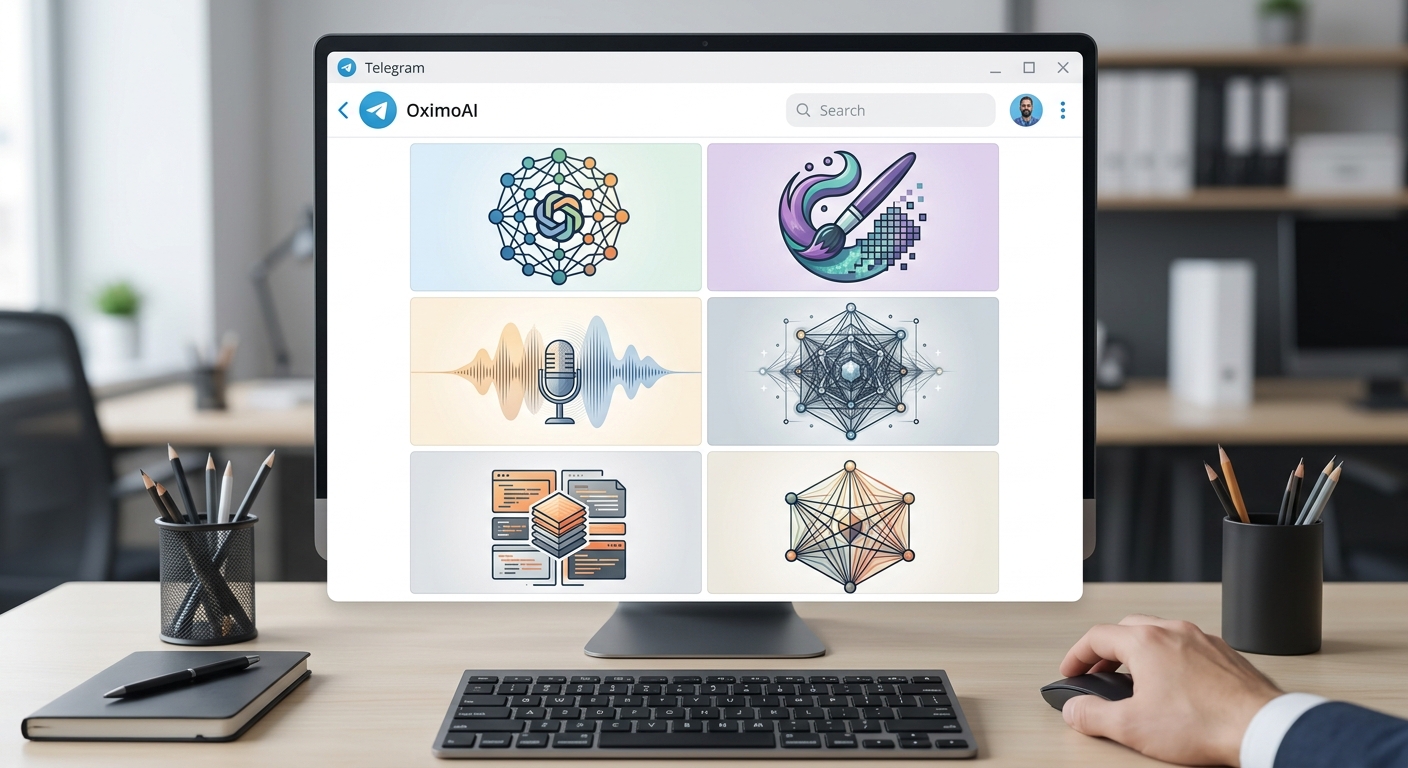
This is exactly the problem OximoAI was built to solve — not for enterprise teams with $200/month budgets, but for individuals and small teams who need serious AI output without the infrastructure overhead.
Here’s how it works in practice:
Open the bot → select your task type → pick your model → describe what you need → get results in seconds.
For example: Open @OximoAI_bot → tap “Generate Image” → select a photorealistic model → type “ceramic mug on a wooden table, morning light, photorealistic” → in about 15 seconds you have a usable product photo.
Or: Open the bot → tap “Text” → select Gemini → paste your rough notes → ask for a structured blog post with a serious tone → get 800 words ready to edit in under a minute.
Or: Record a voice message → ask the bot to transcribe it and rewrite it as a LinkedIn post → done, without ever leaving Telegram.
What makes this different from using a single AI app:
- Multiple text models — Gemini, DeepSeek, Llama, Mistral. You choose based on the task, not on what you subscribed to last month.
- Multiple image models — each producing a genuinely different aesthetic, from photorealism to stylized illustration.
- Audio — text-to-speech, speech-to-text, and voice cloning in the same interface where you’re doing everything else.
- AI agents with memory — up to 5 persistent assistants with distinct personalities. Set them up once; they remember your projects, your tone, your preferences.
- Content planning — generate a full week’s content calendar automatically, scoped to your platform and audience.
The pricing model matters here too. Instead of stacking $20–200/month subscriptions, OximoAI uses a pay-as-you-go coin system. You start with 30 free coins — no credit card required. You pay for what you actually use, not for access you might forget to cancel.
There’s also a referral program: invite someone, you both get 50 coins instantly. For active users who work with others in the same space, this adds up quickly.
The Real Advantage: Staying in Flow
The deepest benefit of a unified multi-model interface isn’t the features — it’s what happens to your thinking when you stop switching contexts.
When you don’t have to leave your workspace to get a different capability, you stay in the creative or analytical zone longer. You iterate faster. You produce more in less time — not because any single model is dramatically better, but because the friction is gone.
The major AI companies understood this in 2025–2026 and started building super-apps. The pattern is consistent across the industry: the future of AI is not dozens of specialized apps — it’s one place that can do all of it.
For most people — freelancers, creators, small business owners, students — that one place doesn’t need to cost $200/month. It needs to be where they already are, running on the device they already have, in the app they already check 30 times a day.
That’s Telegram. And that’s OximoAI.
Get Started in 30 Seconds
You don’t need to configure anything. No API keys, no VPN, no complicated setup. OximoAI works wherever Telegram works.
- Open @OximoAI_bot
- Tap “Start”
- Get 30 free coins — no card required
- Generate your first text, image, or audio
Your first result takes under a minute. Your first full workflow — text, image, and audio for one project — takes under 30 minutes. And you’ll do all of it without opening a single new tab.
→ Try OximoAI free: t.me/oximoai_bot
Have questions about how OximoAI handles a specific use case? Drop a comment below or join our community at @OximoAI. Full feature documentation is available at oximo.tech/docs.
{
"slug": "how-to-use-multiple-ai-models-without-switching-apps",
"meta_description": "Stop juggling AI apps. Learn how to use multiple AI models — text, image, and audio — from one interface without context-switching, enterprise pricing, or complex setup."
}